Invent someone new
Create a character, try different looks, and build the world around them.
AI Cartoon Creator
Turn a big imagination into something you can watch together. Your child invents a character, builds a story, and brings the scenes together with guided AI tools.
Start with just $1. One lesson to keep. No automatic subscription.
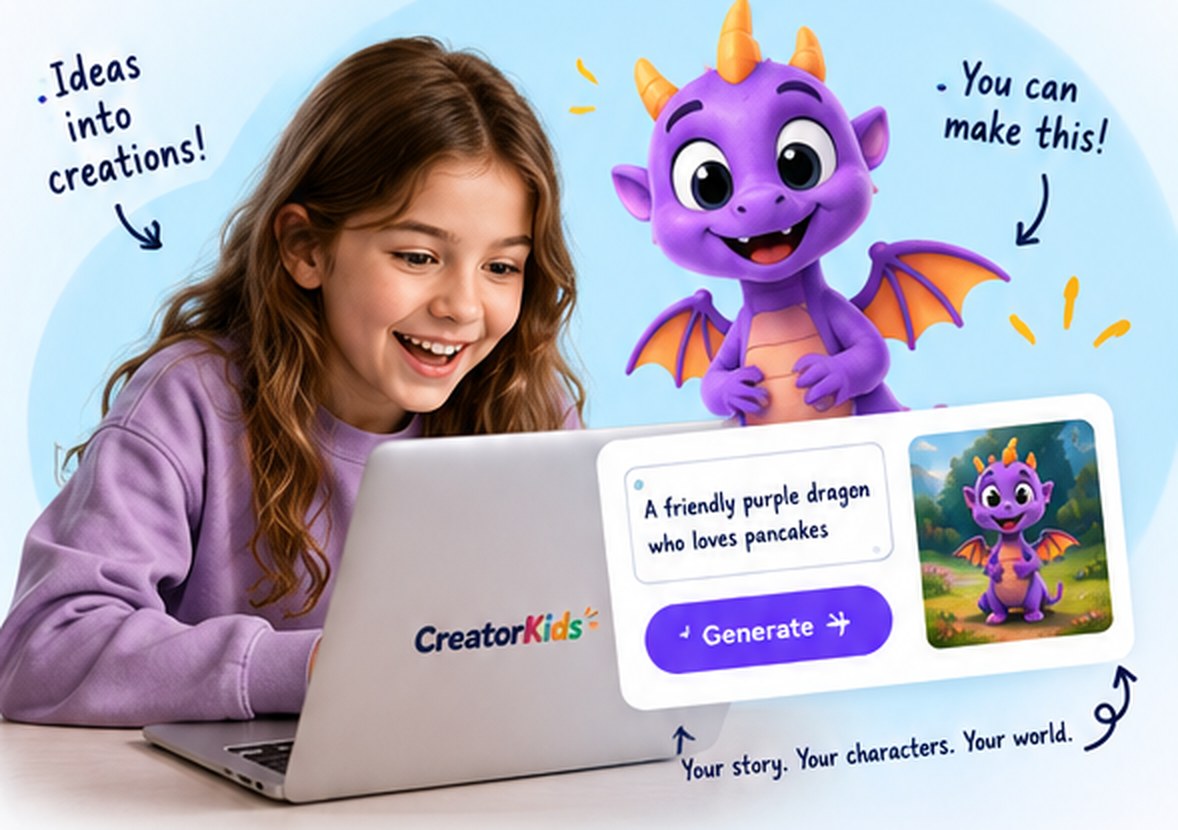
Watch, try, and create inside CreatorKids. No separate AI accounts to set up.
SMALL STEPS. USEFUL DISCOVERIES.
Create a character, try different looks, and build the world around them.
Give the character a voice, write what happens, and plan the scenes.
Choose camera movements and finish a cartoon to watch and share with family.
START WITH SOMETHING SMALL
They describe a character from their imagination, explore variations, give it a name, and save it. Their story starts with someone they created themselves.
One named character, 3 variations, saved to portfolio
GUIDANCE, WITH ROOM TO TRY
A guided explanation introduces the idea and shows what to try.
Use the course tools to experiment, make choices, and try again.
Keep building their project, with something new to show you.
WHAT THEY WORK TOWARD
Their own character, story, pictures, and camera choices, brought together as a finished film. There is a clear next step in each lesson, from the first idea to the premiere.
TAKE A LOOK INSIDE
8 lessons. Open any lesson below to see what they will do.
Invent a character out of your own head, in a few minutes.
They finish with: One named character, 3 variations, saved to portfolio
Make your character look like itself from every angle. This one is hard on purpose.
They finish with: A four-pose character sheet: happy, scared, angry, and from behind
Build the world your story lives in. Then change only the light, and watch an ordinary place turn magical.
They finish with: Two or three places, and one of them made twice - once ordinary, once magical
Describe a voice in words and hear your character speak. Say who is talking before you say how they sound.
They finish with: A voice cast for their character, named and kept
No computer. A pen, a piece of paper, and three sentences — and the discovery that a story with nothing going wrong is not a story.
They finish with: A three-sentence story, written on paper and saved
Split your three sentences into eight pictures — and decide, for each one, how close the camera stands.
They finish with: A 6-8 panel storyboard with a deliberate mix of shots
One camera move per picture — and the discovery that holding still is the move almost nobody picks.
They finish with: A camera move chosen for every panel, including at least two hold-stills
Your pictures, in order, with your words on them and your name at the end. Watch it here, then we build the real one.
They finish with: A finished film, and somebody who has watched it
IS THIS THEIR NEXT ADVENTURE?
For children who love characters, stories, and asking “what if?” They do not need to know how to draw or animate to get started.
Start together, follow their curiosity, and give them time to try things out.
A FEW THINGS PARENTS ASK
Your child chooses the character, describes the scenes, writes the story, and decides what to change. The tools help create the pictures and voice; the creative decisions stay with them.
No. The guided AI tools and activities used in this course are inside CreatorKids. You do not need a separate AI subscription. Included image allowances apply; they are not unlimited.
Your $1 buys Lesson 1 to keep and replay. Nothing renews automatically. If you choose the full course later, that payment is credited and the upgrade is $8.99.
Start with one lesson for $1, buy this whole course for $9.99, or choose library access for $19.99/month. The first two are one-time purchases. Membership renews monthly until you cancel.
Yes. The yearly option is $149/year for the same library access. You can compare it with the monthly option on the membership page. Membership access continues through your paid period if you cancel; separately purchased courses remain yours to revisit.
No. Lessons are self-paced. Pause for an activity, replay an explanation, and come back when it suits your family. A course you buy outright is yours to keep; membership access lasts while subscribed.
An internet connection and a browser. A laptop or tablet gives the activities more room. A parent handles the purchase; children can follow the guidance at their own pace, with a trusted adult nearby for questions. Some activities invite a family conversation.
Something else on your mind? Ask us.
THEIR NEXT “LOOK WHAT I DID” MOMENT
Begin with $1, choose the whole course, or explore together with membership.
Choose how to startFirst lesson: one payment. No automatic subscription.